
48K128K20 November 2026
The tape: play while it loads
Load the tape and it plays a jingle, the loading screen develops like a photo, and then a small Shardstorm plays in the screen's box while the game loads - with the tune on a 128K. Your best score becomes the game's high score.
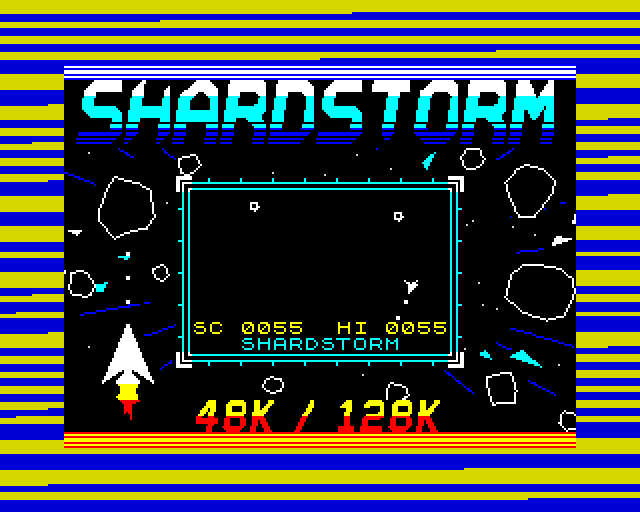
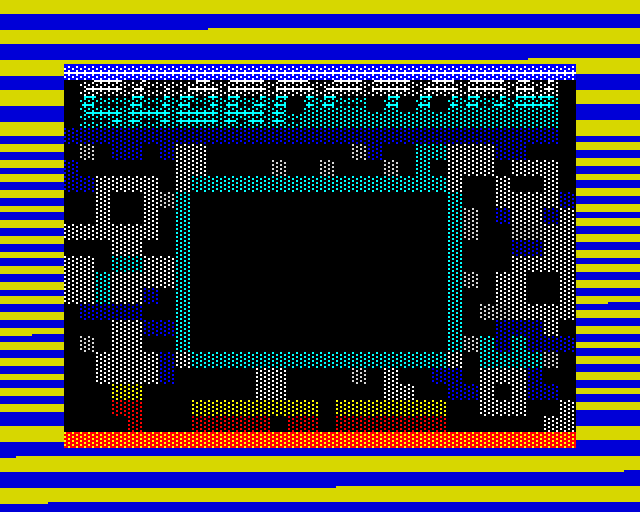
Games on tape took minutes to load, and some gave you something to do meanwhile. Shardstorm's tape plays a short jingle recorded on the tape itself, then its loading screen arrives in an order of its own, colours first, like a photo developing. Then the black box in the middle of the screen becomes a playfield: O and P turn, Q thrusts, SPACE fires, or use a joystick. Shards split and go, waves come, and on a 128K the game's tune plays with the shots and crashes over it.
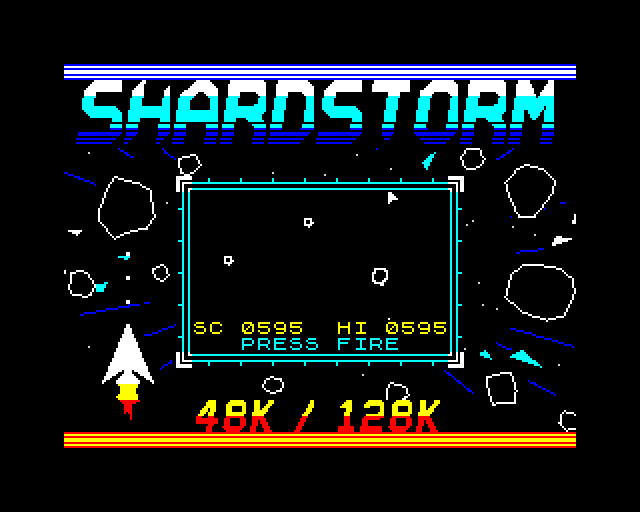
When the load is done the box says LOADED and the game goes on until you press fire. Shardstorm then starts with your best score from the box as its high score.
A 128K as the game in the box starts: the tune and its sounds, the tape under them, 30 s
How it works
How it works
The tape is ordinary blocks at the ROM's own speed, with the ROM's own stripes, but our loader reads them. Between every bit it reads it hands a sliver of time to the game in the box: one short piece of code, always exactly the same length, so the next bit is still read right. Borders & Loaders has a page on each step: the jingle, the developing screen, the game in the box and the tune while it loads.
How it was checked
The tapes are loaded through our emulator's tape deck, pulse by pulse, from the .tzx, the .tap and a WAV. Every bit is read right, the screen develops exactly in its order, and the game in the box is played to the end, once from the keys and once through a joystick, with its every drawing checked. On a 128K every frame's sound is checked against a model of the tune and effects.
Screens
As our emulator draws it
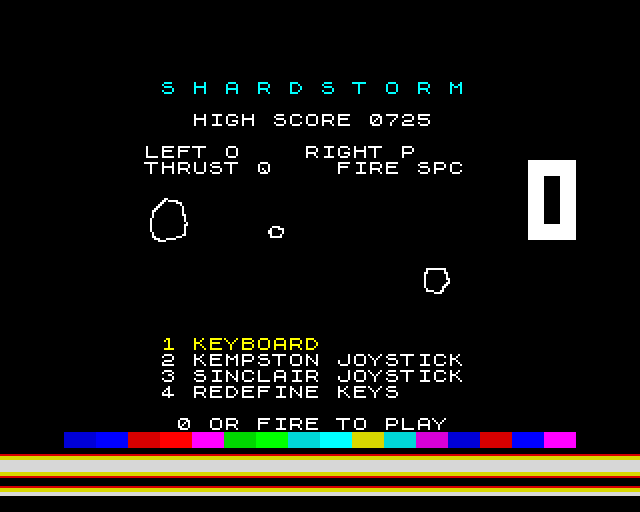
Full frames, border and all. Click a picture to see it bigger.
Download
Load it yourself
For the 48K and the 128K. A tape for each machine. The .tzx has it all: the jingle, the developing screen and the game in the box while it loads, and needs an emulator that plays tapes in real time. The .tap is the same without the jingle. The -instant.tap is the plain tape, for a DivMMC or instant loading.
- Pick your machine's tape. The 48K tape for a 48K; the 128K tape for a 128K, +2, +2A or +3 (pick Tape Loader, or Loader on a +2A or +3). Each says so if you load it on the other. The loader in the
.tzxand.taphas been checked against the 48K's and the 128K's timing; on a +2A or +3, whose timing differs a little, the-instant.tapis the safe one. - The
.tzxis the whole thing: a jingle on the tape, the loading screen developing, and a small game to play in its box while Shardstorm loads - with the tune on a 128K. Its own loader reads the tape, so the emulator must play it in real time, as ZX Spin, Retro Virtual Machine and Fuse do: switch off instant and fast loading. Press fire when it says LOADED. - The
.tapis the same without the jingle, for an emulator that only takes.tapfiles. - The
-instant.tapis the plain tape, every block for the ROM: for a DivMMC, or an emulator's instant loading, which skip any loader of its own. - On a real Spectrum: play the
.tzxinto the EAR socket from a TZX player.