
48K128K13 November 2026
A loading screen that develops like a photo
Instead of arriving in the Spectrum's usual thirds and stripes, the loading screen develops: a faint wash first, then all its colours, then the detail sharpening line by line. 48K and 128K, with the singing tape's jingle and the mini-game.
A Spectrum screen normally loads in the order it sits in memory: the top third a pixel line at a time, each line skipping eight rows down, then the middle third, then the bottom, and only then the colours. Everyone who had one knows the look.
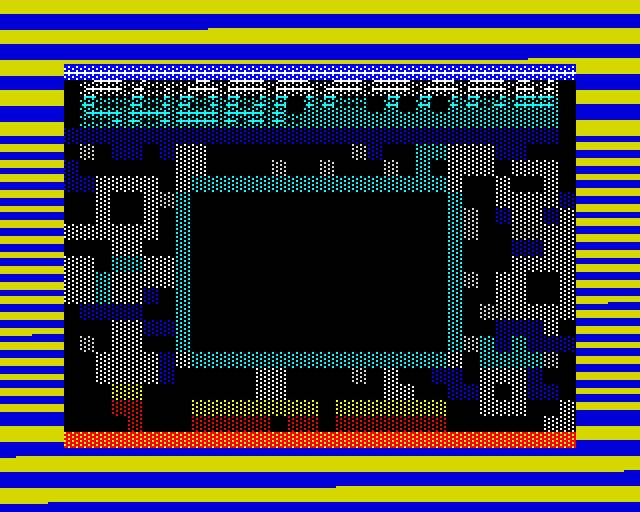
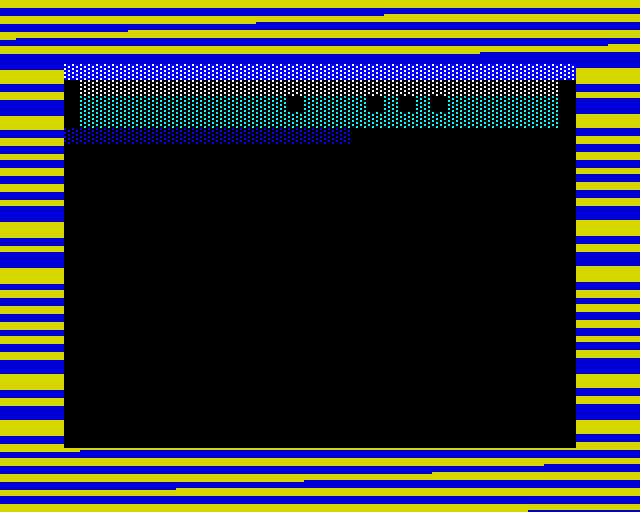
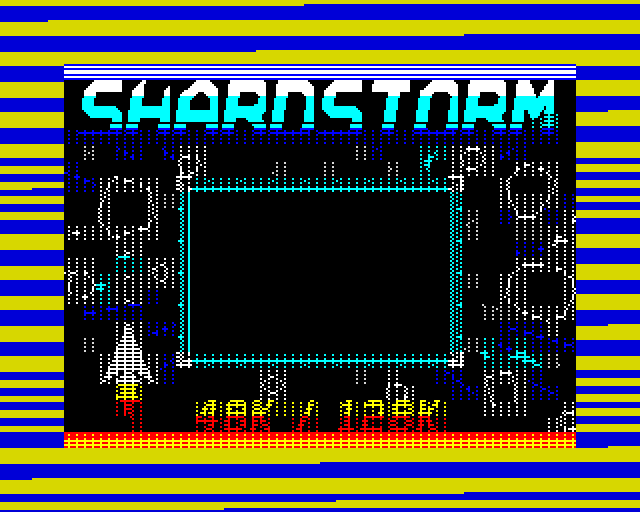
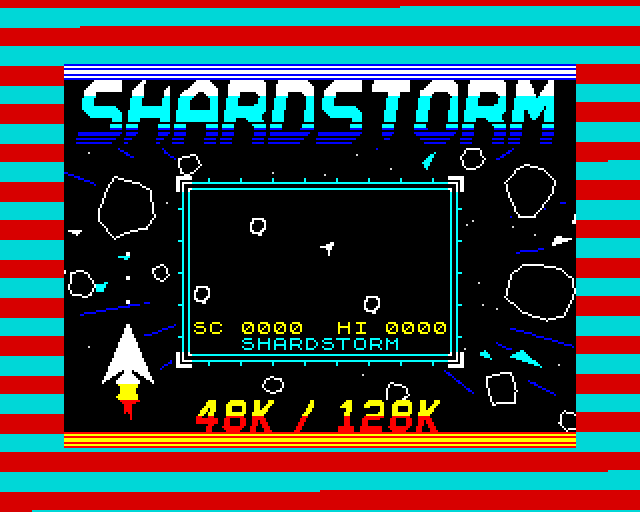
This tape puts the screen's bytes on tape in an order of our choosing, and the loader puts each byte in its place as it arrives. The order chosen here makes the picture develop like a photo: a sparse dither over the whole screen, then every cell's colour (so the layout is there within four seconds), then the pixel lines in four passes, each sharpening the whole picture at once.
How it works
A table and a chunk
The screen's block is an ordinary standard-speed block - only its bytes are shuffled. Our loader reads it into a buffer, and between bits, in the same gaps where the mini-game runs, a short piece of code checks whether a new byte has come in and copies it to its place on the screen, following a table: the order of the 768 character cells, and a list of passes saying which part of each cell comes next - a pixel line or the colour. It is never more than one byte behind the tape.
The table and the code are only needed while the screen loads, so they live where a later part of the game loads over them.
Four reveals tried
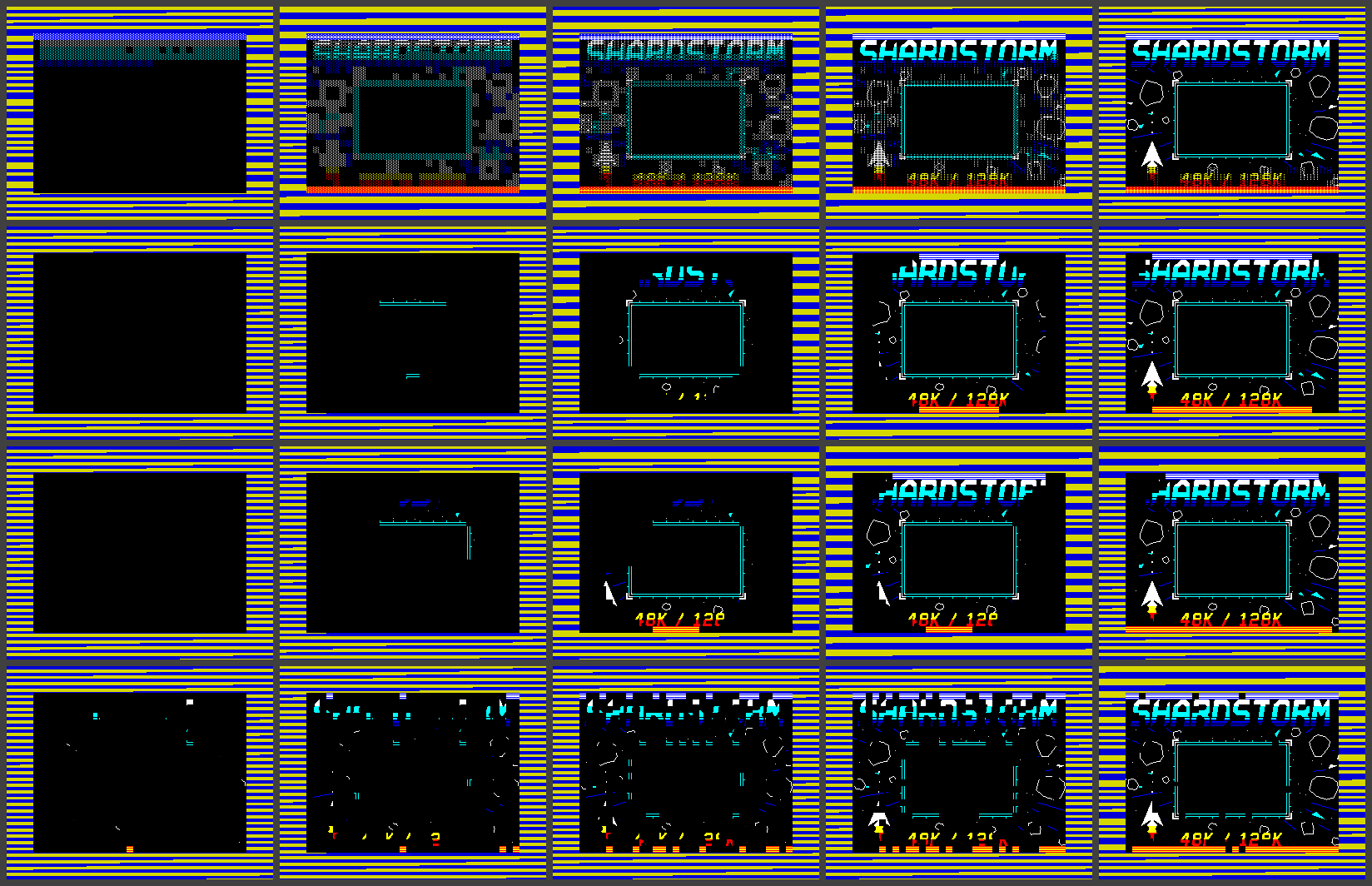
Develop, a circle wipe from the centre, a spiral and a random dissolve were all built and loaded, and the choice was made from the screenshots (the gallery below). The loader can take any of them; the tape carries one.
Still a plain tape
The .tap reveals the same way, since the shuffled screen is still a standard block. The .tzx also sings: it is built on the singing tape, and the mini-game starts in the box once the screen is in.
How it was checked
Checked by shardreveal.js, loading through our emulator's tape deck on both machines from the .tzx, the .tap and the WAV: every bit read right; every other frame of the reveal compared with the designed order, the whole screen, 990 of 990 exact; the screen byte for byte right when the game starts; then everything the mini-game tape checks. Three deliberate faults each make the right check fail - one of them, a wrong first wash, leaves the finished screen correct, so only the frame-by-frame check sees it. Not yet seen outside our emulator.
Screens
As our emulator draws it
Full frames, border and all. Click a picture to see it bigger.
Download
Load it yourself
For the 48K and the 128K. Each machine has its own tape; the .tap reveals the screen the same way, but cannot carry the jingle that the .tzx plays first.
- In an emulator (ZX Spin, Retro Virtual Machine, Fuse and others): choose the machine the demo says - a 128K or +2 for the 128K ones - and open the
.tzxor the.tap. Use the.tzxwhere you can: the.tapreveals the screen the same way, but cannot carry the jingle that the.tzxplays first. On a 128K, pick Tape Loader; on a 48K, typeLOAD "". - Switch off instant and fast loading. The custom loaders read the tape signal themselves, edge by edge: an emulator that skips the tape skips the loader, and everything it does while it loads.
- On a real Spectrum: play the
.tzxinto the EAR socket from a TZX player. These are for the original machines' timing: the 48K, the 128K and the grey +2.