
48K128K20 November 2026
Shardstorm: the finished tapes
The game itself, on the tapes every experiment here was leading to: a jingle, the loading screen developing, then a cut-down Shardstorm to play in its box while the game loads - with the tune and its sounds on a 128K. 48K and 128K, joysticks too.
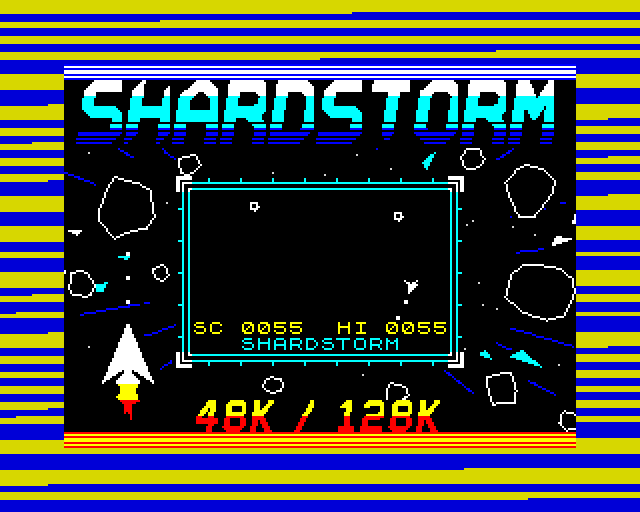
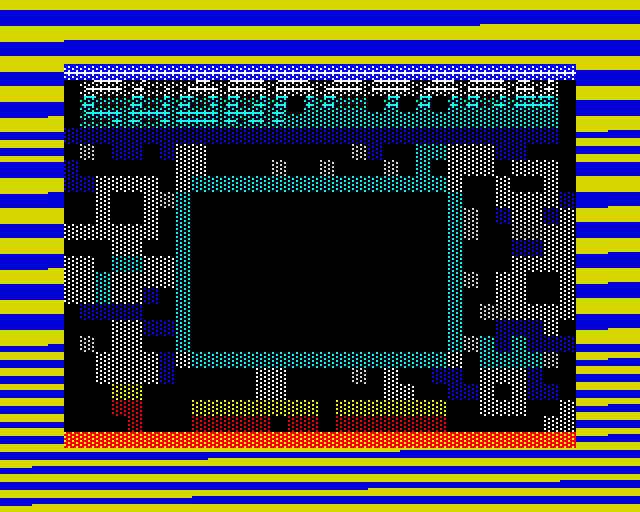
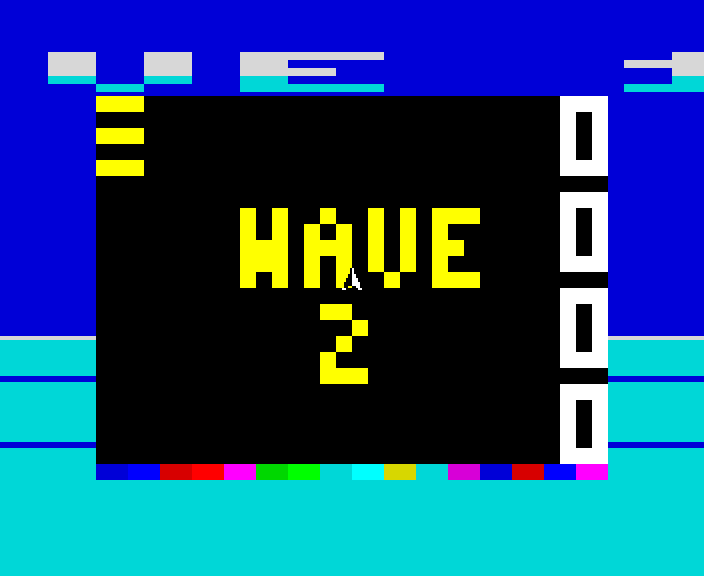
Every loader on this site was an experiment for this: Shardstorm, a rock shooter whose border does the showing off, on tapes like a commercial release of the time. Load the .tzx and you get a short jingle recorded on the tape itself, then the loading screen developing like a photo, then a cut-down Shardstorm to play in the box in the middle while the rest of the game loads. On a 128K the game's own tune plays while you do, with the mini-game's shots, hits and crashes over it. When the load is done, press fire: Shardstorm starts with your best score as its high score. The game has its own site, with its keys, its border and its sound; this page is about the tapes.
a 128K as the mini-game starts: the tune and its sounds, the tape under them, 30 s
How it works
The game
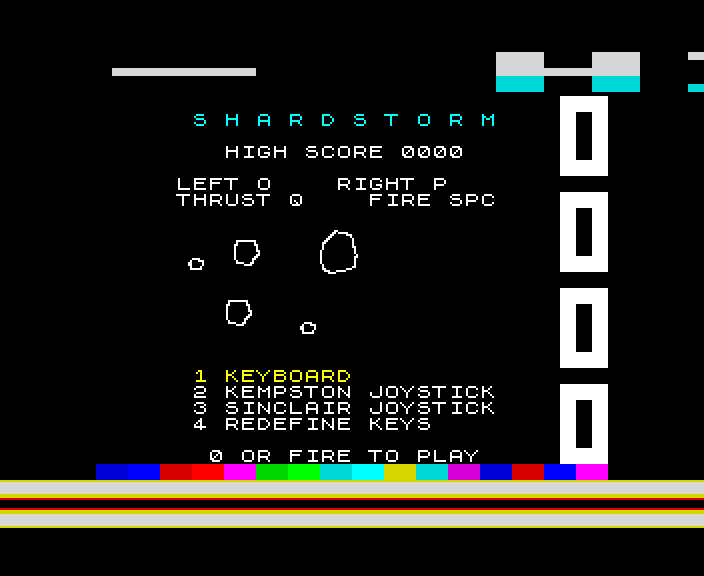
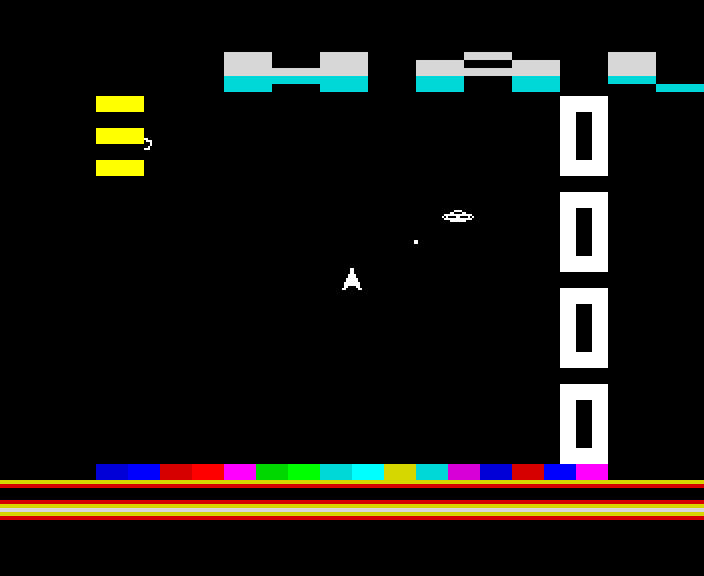
Turn, thrust and fire round a black playfield that wraps at every edge; rocks split when shot, and from wave 2 a saucer comes when the rocks are few. Turning speeds up while you hold it, pieces fly on along your shot, and hits are exact to the pixel. The 48K is the lighter game - no large rocks - and has the beeper; the 128K, +2, +2A and +3 have the AY and draw on two screens. Keys O, P, Q and SPACE, a Kempston or a Sinclair joystick, or keys of your own.
The tune while it loads
The mini-game's code runs in the gaps between the bits our loader reads, every piece of it one exact length. On a 128K three more pieces a frame play the tune: it is worked out once at the start into spare memory, 25 frames a second like the mini-game, and each frame its registers and the sound effect's go to the AY. The 48K stays quiet: its speaker and its tape input share one pin (see the beeper tape for what that takes).
Which file
The .tzx for an emulator or a real Spectrum played from a WAV; the .tap if your emulator only takes those; the -instant.tap for a DivMMC or instant loading. Each machine has its own tape, and says so if loaded on the other.
How it was checked
Checked by Shardstorm's own build on a 48K, a 128K and a stand-in for the +2A/+3, and by shardreveal.js, loading both tapes through our emulator's tape deck from the .tzx, the .tap and the WAV: every bit read right; the reveal frame by frame; the mini-game played to its end, once from the keys and once through a joystick; on the 128K the AY's registers on every one of 3,796 frames against a model of the tune and the effects. Five more deliberate faults each make the right check fail. Played through by its author in an emulator; not yet tried on a real Spectrum.
Screens
As our emulator draws it
Full frames, border and all. Click a picture to see it bigger.
Download
Load it yourself
For the 48K and the 128K. Each machine has its own tape; the .tap is the same tape without the jingle (a .tap cannot carry it). The -instant.tap files are the plain tapes, every block for the ROM: use them on a DivMMC or with an emulator's instant loading, which skip any loader of our own.
- In an emulator (ZX Spin, Retro Virtual Machine, Fuse and others): choose the machine the demo says - a 128K or +2 for the 128K ones - and open the
.tzxor the.tap. Use the.tzxwhere you can: the.tapis the same tape without the jingle (a.tapcannot carry it). The-instant.tapfiles are the plain tapes, every block for the ROM: use them on a DivMMC or with an emulator's instant loading, which skip any loader of our own. On a 128K, pick Tape Loader; on a 48K, typeLOAD "". - Switch off instant and fast loading. The custom loaders read the tape signal themselves, edge by edge: an emulator that skips the tape skips the loader, and everything it does while it loads.
- On a real Spectrum: play the
.tzxinto the EAR socket from a TZX player. These are for the original machines' timing: the 48K, the 128K and the grey +2.