
48K128K12 November 2026
Tune, text and a VU meter while it loads
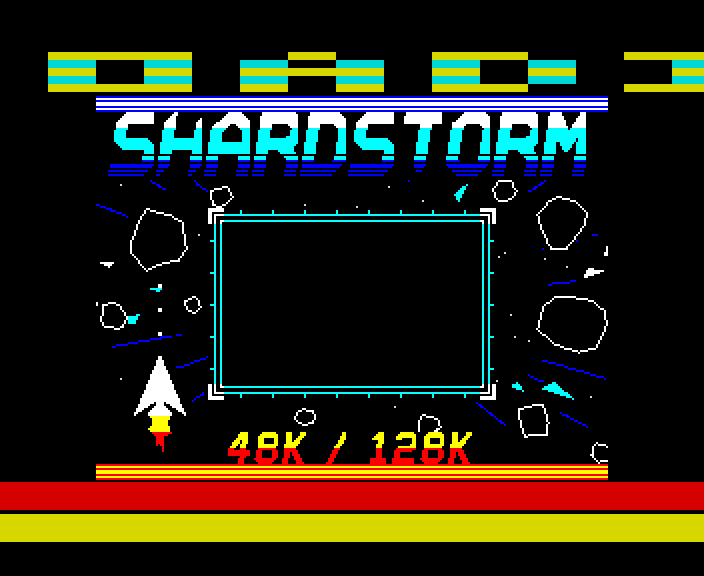
Shardstorm's whole tape loads with its tune playing, a message scrolling in the top border and a three-band VU meter keeping time in the bottom border. The side borders stay black. On the 128K and, keeping a silent beat, the 48K.
The newest of the loaders, and the one the others were building to. From the moment the loading screen's pilot tone starts to the moment the game runs, every frame is locked to the TV's beam: the music never stops for the loader, and the loader never stops for the music.
It loads at the ROM's normal speed, as a plain .tap: the trick is entirely in what the Spectrum does while it waits for the next edge on the tape.
How it works
One scan line at a time
A Spectrum 128 draws 311 lines a frame, each 228 T-states long. The loader is written so that every way through its code takes exactly one line, whatever it does: each line stores one sample of the tape signal in a 256-byte ring, and a decoder works through the ring at its own pace, timing the pulses by counting samples. Because the code is in step with the beam, a colour written to the border lands on the same line every frame.
That frees whole lines for other jobs. Twenty of them in the top border draw the text (sixteen OUTs a line, each a 24-pixel block of our own 3x5 font), and fifty-six in the bottom border draw the meter and do the frame's housekeeping. The decoder falls behind while they run, and catches up in the lines between: it takes up to three samples a line when the tape is quiet. At most it is 57 samples behind.
The bottom border
Lines 253 to 309 are straight code, written and timed by the build. Every one stores its tape sample; each of the 48 meter lines also sets the colour of the next row, at T-state 178 - in the dark gap between lines, so each row is one solid colour. In between, one task a line:
- the AY's eight registers for this frame, from the tune rendered at the start;
- the tune moved on a frame, back to the loop at its end;
- the loading screen copied into place, 216 bytes a frame, while the next block loads;
- after a block, the next one's memory bank and address;
- the meter's three values for the next frame.
The meter
Border Lab's music pulse, moved to the bottom border: bass in red, lead in yellow, drums in cyan, a band of 16 lines each. A band lights a centred stripe of 16 - 2 x ((16 - v) / 2) lines for a channel volume v, so a note fills its band as it is struck and thins as it fades. The tune has two voices; the bass voice also plays the drums, so the loader marks which frames are drums when it renders the tune, and the meter sends those to the cyan band.
On the beat, the meter's dark rows and the border below it flash - magenta for a snare, blue for a kick - for as long as the drum is loud, as Border Lab's sides did. Here the sides stay black, so the flash lives in the bottom border only. Each row's colour is a single lookup in a table built at the start, one page a band, so the flash costs the meter lines just 7 T-states each.
Starting the clock
The loop's clock starts with an interrupt, taken while the CPU waits in a HALT. A HALT waits in steps of 4 T-states, so where in a step the interrupt lands depends on everything that ran before - and that differs from load to load on a real machine. The text in the border is only right if the band starts within the same 4 T-states every time: one load in four would have drawn it 8 pixels out.
So before the HALT, the loader reads the screen memory ten times while the picture is being drawn. The ULA holds up every read it is busy with to the same point in its own 8 T-state cycle; after two of them, the CPU is in step with it. From there to the HALT the code always takes the same time, so the interrupt lands on the same T-state on every load. The same trick keeps Border Lab's effects still.
A shorter tape
A loader locked to the beam reads the tape once a line, so it has to load at the ROM's own speed: the way to a shorter tape is fewer bytes. The loader and the game's two parts go on the tape packed, with a packer and unpacker of our own: the ROM loads a small boot that unpacks the loader, and once the last block is in, the game's parts are unpacked into place. 18 KB fewer to load: the game starts after 2 minutes 25 seconds, not 4. Only the loading screen goes as it is, because it is copied in a fixed 216 bytes a frame while the next block loads.
On the 48K
The 48K has the same text and meter but no sound chip, so its meter keeps the tune's beat in silence: the loader still works out every frame of the tune, keeping only the volumes the meter needs. With no spare memory banks, the loader moves into the gaps the game never loads over, the loading screen waits in part 1's space until it is copied in, and all three parts come as one packed block: 2 minutes 14 seconds to the game.
ZX Spin and Retro Virtual Machine draw a 48K's picture 3 T-states later than our own emulator, which would put the text a latch out. The 48K loader starts its clock so that it follows the beam: the same tape draws right on a machine whose picture comes 0, 1, 2 or 3 T-states late, checked on all four.
Where everything goes
The game's first part loads over the loader's own code, so nothing loads straight into place except the last part. The screen goes to memory bank 6 and is copied to the display in the bottom border; part 1 goes to bank 4 and is copied down by a small piece of code moved out of its way after the last block; part 2 goes straight to bank 0. All of these banks are free of the ULA's contention, which would break the timing. The checksums are checked once, at the end.
How it was checked
Built and checked by shardpulse.js, which loads the tape through our own emulator's tape deck, as a real machine would, and looks at every frame: the frame's length, every bit's timing, the text in the top border decoded latch by latch (0 of 8.8 million wrong), every meter row against the tune's volumes, the side borders black, the AY's registers each frame, the screen and the game byte for byte. Nine deliberate faults, one at a time, each make the right check fail.
Screens
As our emulator draws it
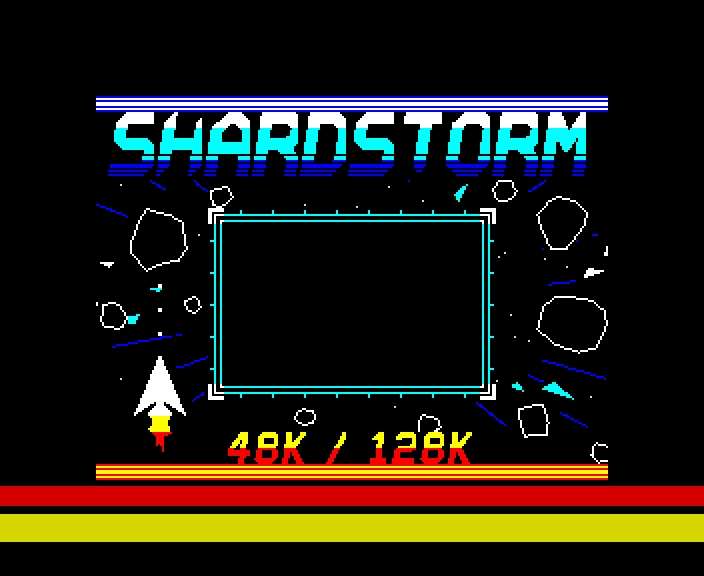
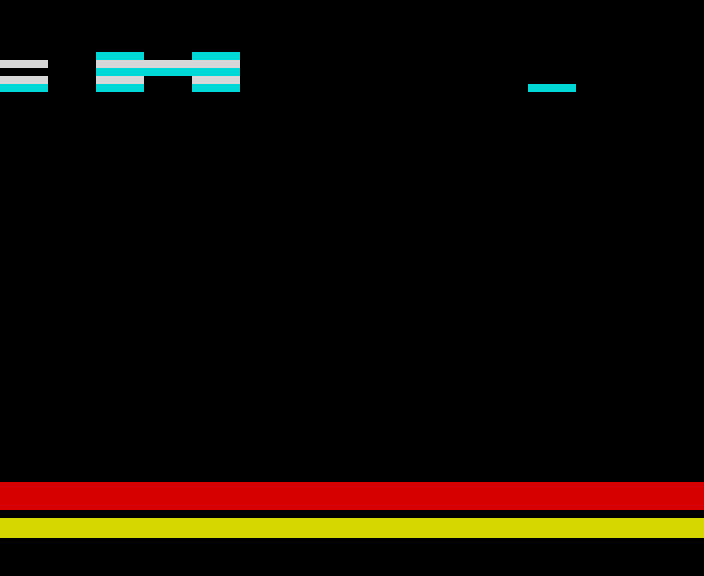
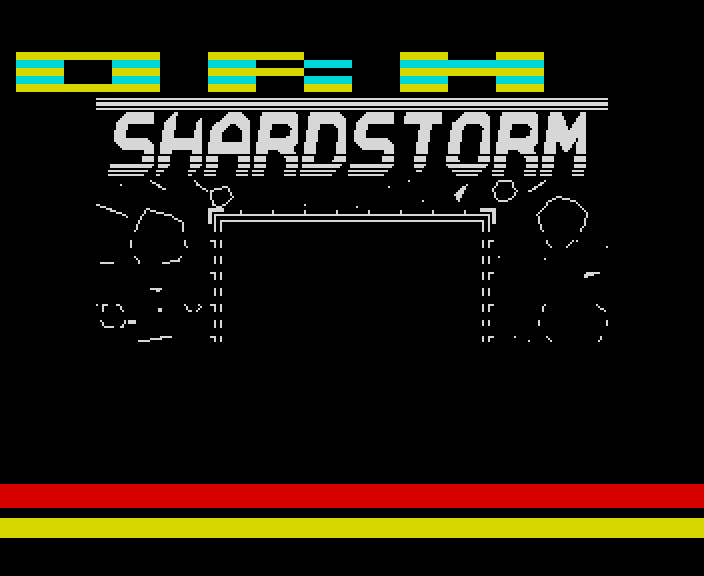
Full frames, border and all. Click a picture to see it bigger.
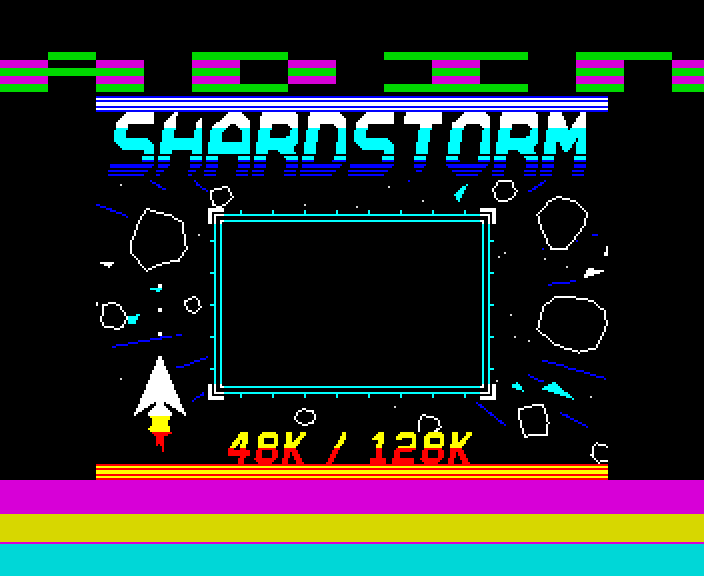
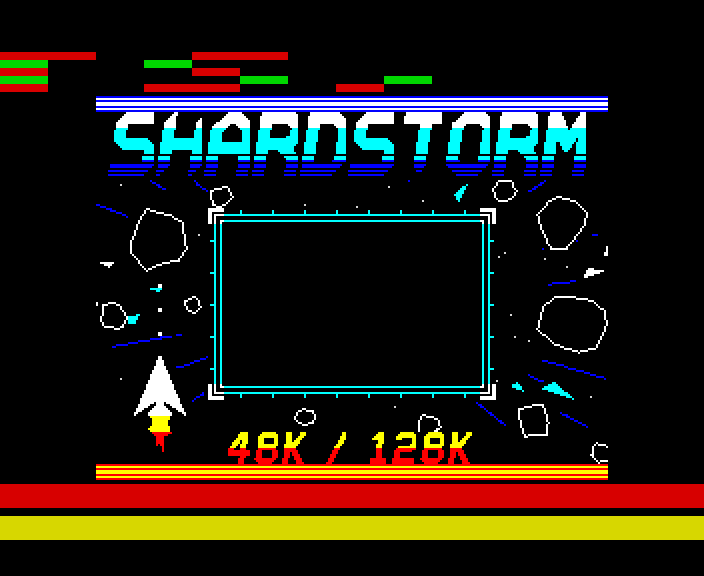

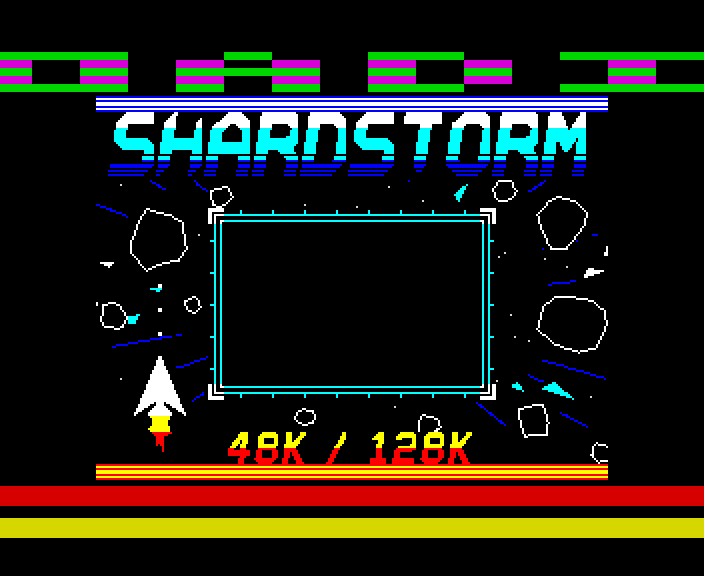
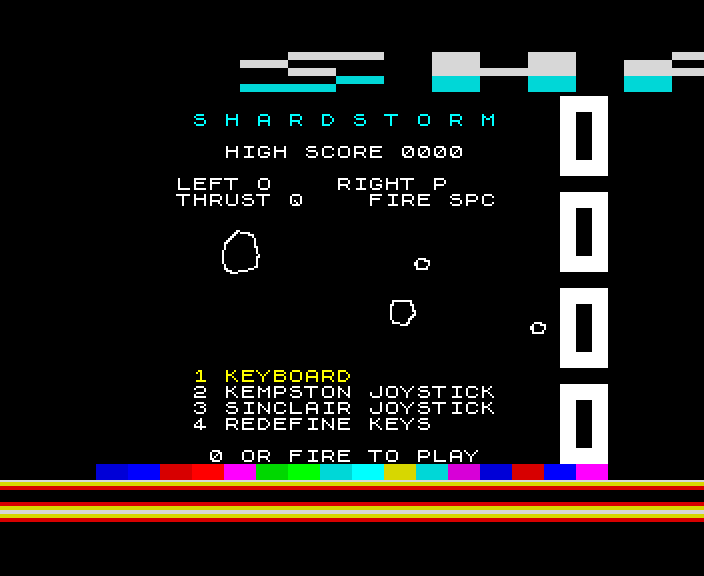
Download
Load it yourself
For the 48K and the 128K. Each machine has its own tape; its .tzx and .tap hold the same blocks.
- In an emulator (ZX Spin, Retro Virtual Machine, Fuse and others): choose the machine the demo says - a 128K or +2 for the 128K ones - and open the
.tzxor the.tap. They hold the same blocks; use whichever your emulator prefers. On a 128K, pick Tape Loader; on a 48K, typeLOAD "". - Switch off instant and fast loading. The custom loaders read the tape signal themselves, edge by edge: an emulator that skips the tape skips the loader, and everything it does while it loads.
- On a real Spectrum: play the
.tzxinto the EAR socket from a TZX player. These are for the original machines' timing: the 48K, the 128K and the grey +2.